



Choose your units, then calculate.
Illustrative volume model · Research calculations only
Use the final solution volume, not simply the solvent added.
Calculation basis & limitations
Entered mass is used as-is, without purity or content correction. Results are laboratory arithmetic only, not dosing or solvent guidance.
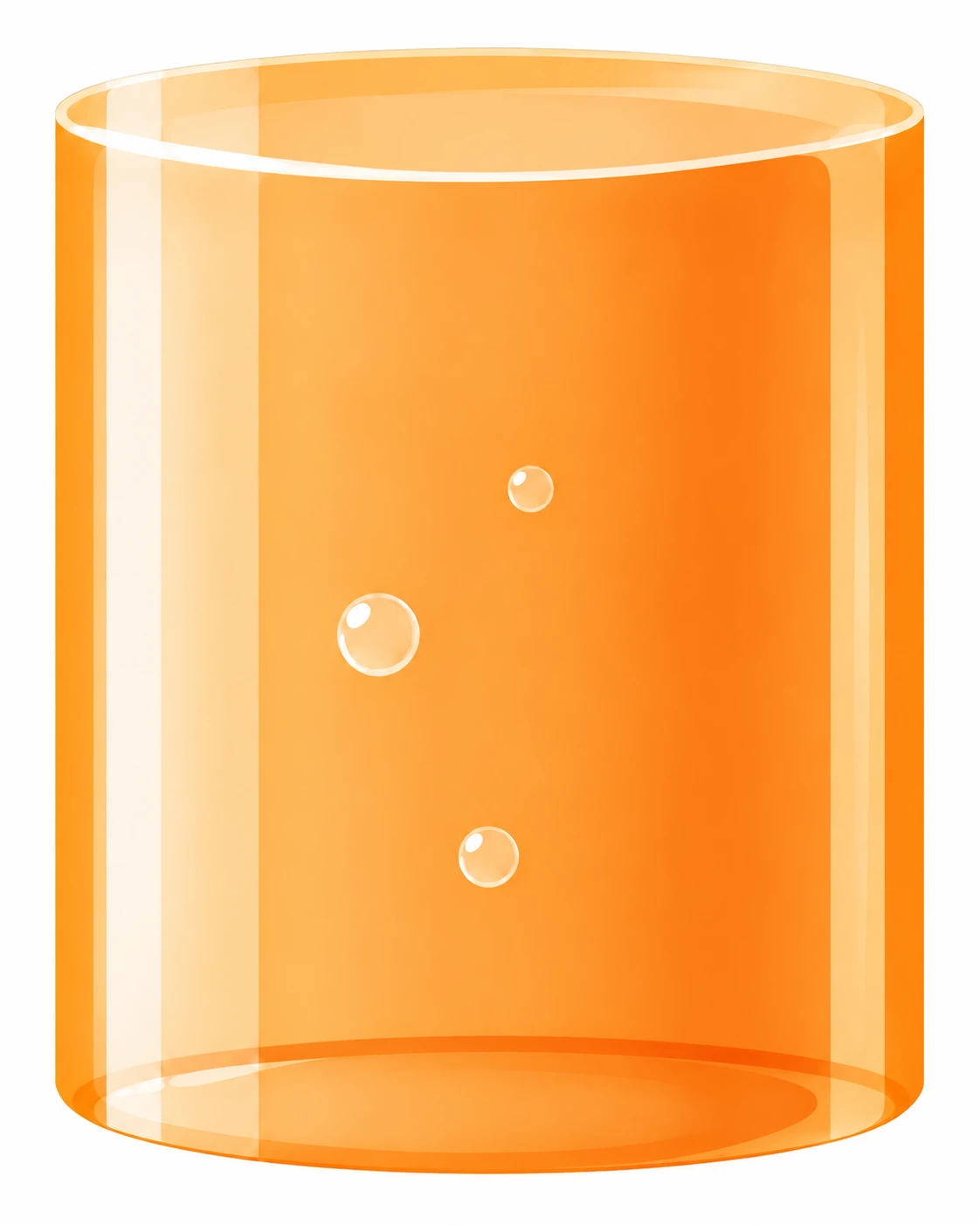
The illustrated liquid level uses an adaptive display scale, not a stated vessel capacity. Color, motion and bubbles do not represent a physical solubility simulation.
From calculation to catalog
Explore related product families
Catalog navigation, not a recommendation for biological use. These selections do not depend on your inputs or results. Confirm molecular form and lot documentation separately.
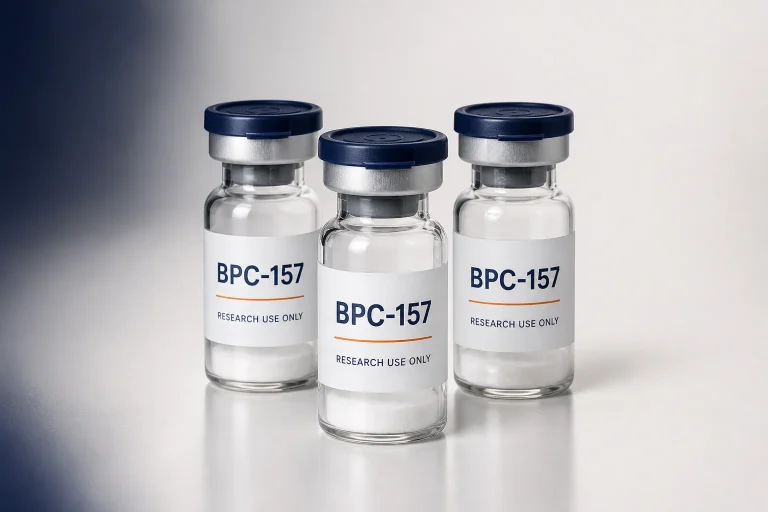 Packaging mockup
Healing & Tissue Repair
BPC-157
4 catalog variants · Identity & research references
View product family ↗ Packaging mockup
Cosmetic & Skin
GHK-Cu
2 catalog variants · Identity & research references
View product family ↗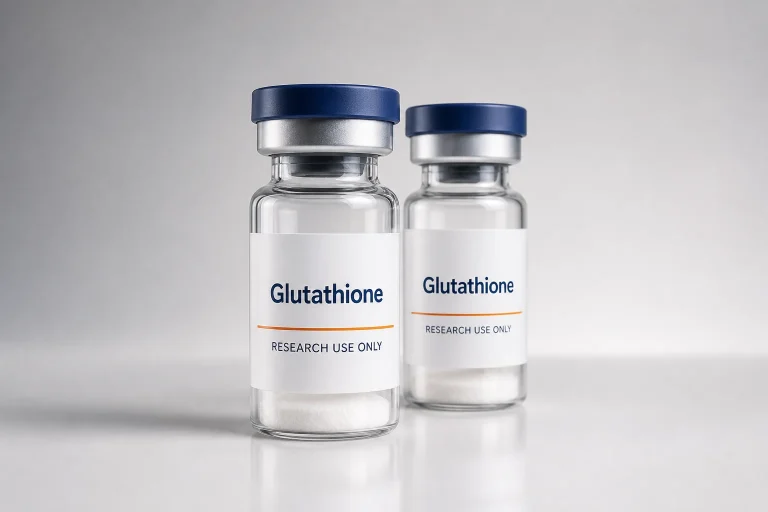 Packaging mockup
Cosmetic & Skin
Glutathione
2 catalog variants · Identity & research references
View product family ↗Calculation basis
Methods and source records
These links document the calculation conventions or laboratory context. They do not validate a catalog lot or replace a controlled laboratory method.
- 01Technical source
NIST Guide to the SI: quantities and units
NIST SP 811, Chapter 8. Mass concentration, amount concentration and molar-mass conventions. This is an arithmetic reference, not evidence for any supplied lot.
Other tools
Continue the workflow
Peptide sequence analyzer
sequence → composition, mass, pI & charge
Open →Identity & alias checker
name → reviewed identity record
Open →Peptide stock preparation
m = C × V × MW ÷ active fraction
Open →How this peptide calculator works
Choose the quantity you need, enter the measured peptide mass, and add either the final solution volume or a target mass concentration. The tool converts the units before dividing. It uses the entered mass without assuming a peptide identity or a biological purpose.
Mass concentration is the mass of a constituent divided by the volume of the mixture. This calculator uses C = m / V and rearranges it to V = m / C for the reverse calculation. See NIST Guide to the SI, Chapter 8, sections 8.6.5–8.6.8 for quantity definitions and the distinction between mass and amount-of-substance concentration.
A worked arithmetic example
For an illustrative mass of 10 mg in a final volume of 2 mL, 10 ÷ 2 gives 5 mg/mL. Entering 10,000 µg and 2,000 µL gives the same result after unit conversion. In reverse mode, 10 mg at a target concentration of 5 mg/mL corresponds to a final solution volume of 2 mL. These numbers demonstrate arithmetic; they are not a recommendation for any named product.
Questions before using the result
Does “final volume” mean the amount of solvent to add?
Not necessarily. Final volume is the total solution volume after dissolution. The tool calculates that volume, not an independently validated solvent-addition instruction. Follow a suitable laboratory method when preparing a solution.
Does a purity percentage automatically correct the concentration?
No. Enter a mass on the basis you intend to calculate. The tool does not infer an active fraction from a chromatographic purity value. If your documented preparation requires assay, net peptide content or form-factor corrections, use the advanced peptide stock preparation calculator and keep those assumptions explicit.
Can I convert this result to a molar concentration?
That requires a molecular weight for the same molecular form as the material. Use the molarity calculator with a verified molecular weight; do not substitute the weight of a different salt, hydrate or conjugate.
Will this choose a solvent or tell me whether the solution is stable?
No. Solubility, compatibility, stability, sterility and biological suitability are outside this arithmetic model. The calculation assumes complete dissolution without material loss. It cannot establish that those assumptions hold for a particular sample, and it does not provide dosing or administration guidance.
Are inputs saved or sent with an inquiry?
The calculator performs the arithmetic in your browser. It does not send or store the entered values. Copying a calculation is optional. Product and contact links work independently, without attaching your inputs.
Your next step
Find a product. Ask about the details.
Browse catalog sizes, or contact us about product identity, document availability and a quotation. Your calculator inputs are not attached to your inquiry.